Hum, sing, or whistle
Your voice is the remote. Any form, any pitch, any artist.
The song's stuck in your head. Earworm pulls it out. It names the track from your humming or singing, no recording and no lyrics required. On iPhone and Apple Watch.
Try the betaFree · TestFlight · iPhone + Apple Watch
Shazam needs the song playing. Earworm just needs you.
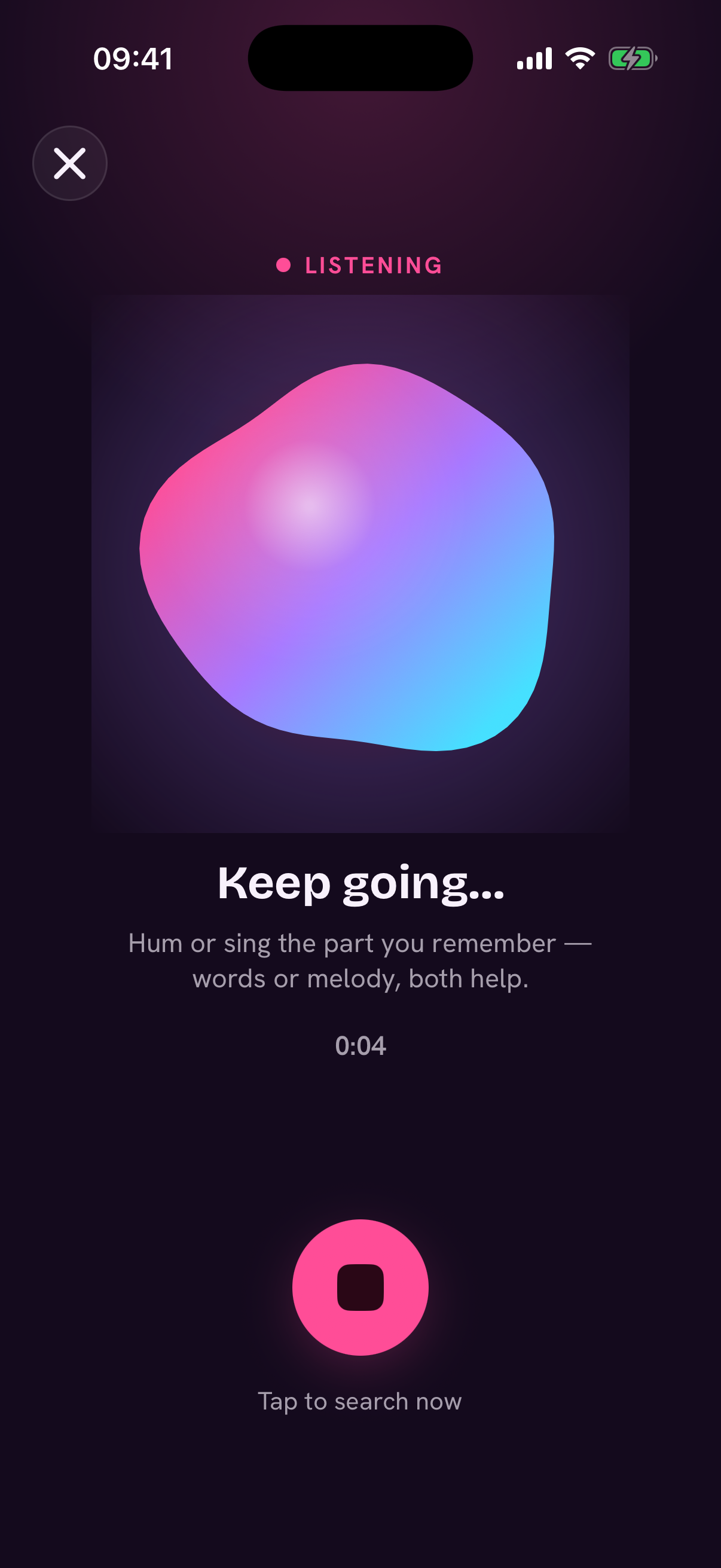
Hit the orb and sing, hum, or whistle. Any key, any melody.
It follows your tune and searches for the match.
Open it straight in Apple Music or Spotify.
Your voice is the remote. Any form, any pitch, any artist.
Misremembered the words? Sing what you think they are. It's the melody that matters.
The Apple Watch app IDs songs without you reaching for your phone.
A direct link into Apple Music or Spotify. No extra steps.
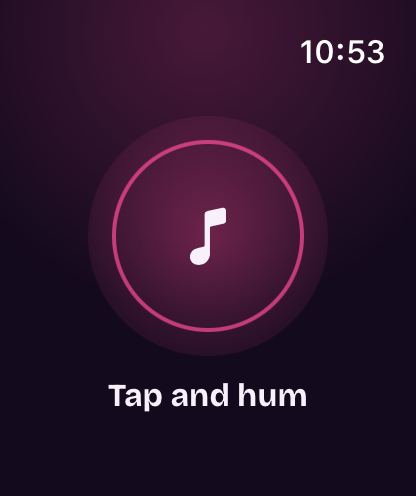
Got a song stuck in your head and no phone in hand? Tap the orb on your Watch and hum. Earworm works the same magic, right from your wrist.
Try the beta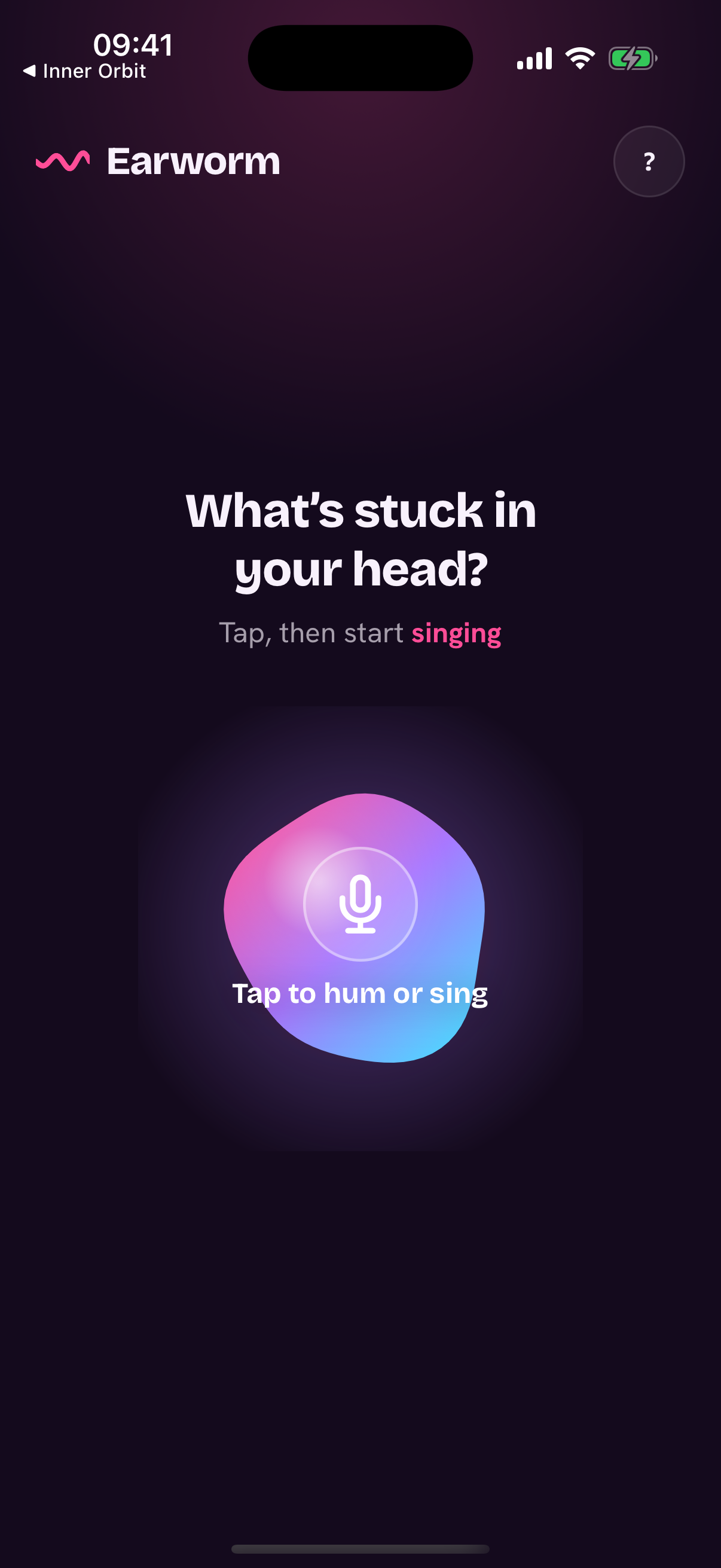
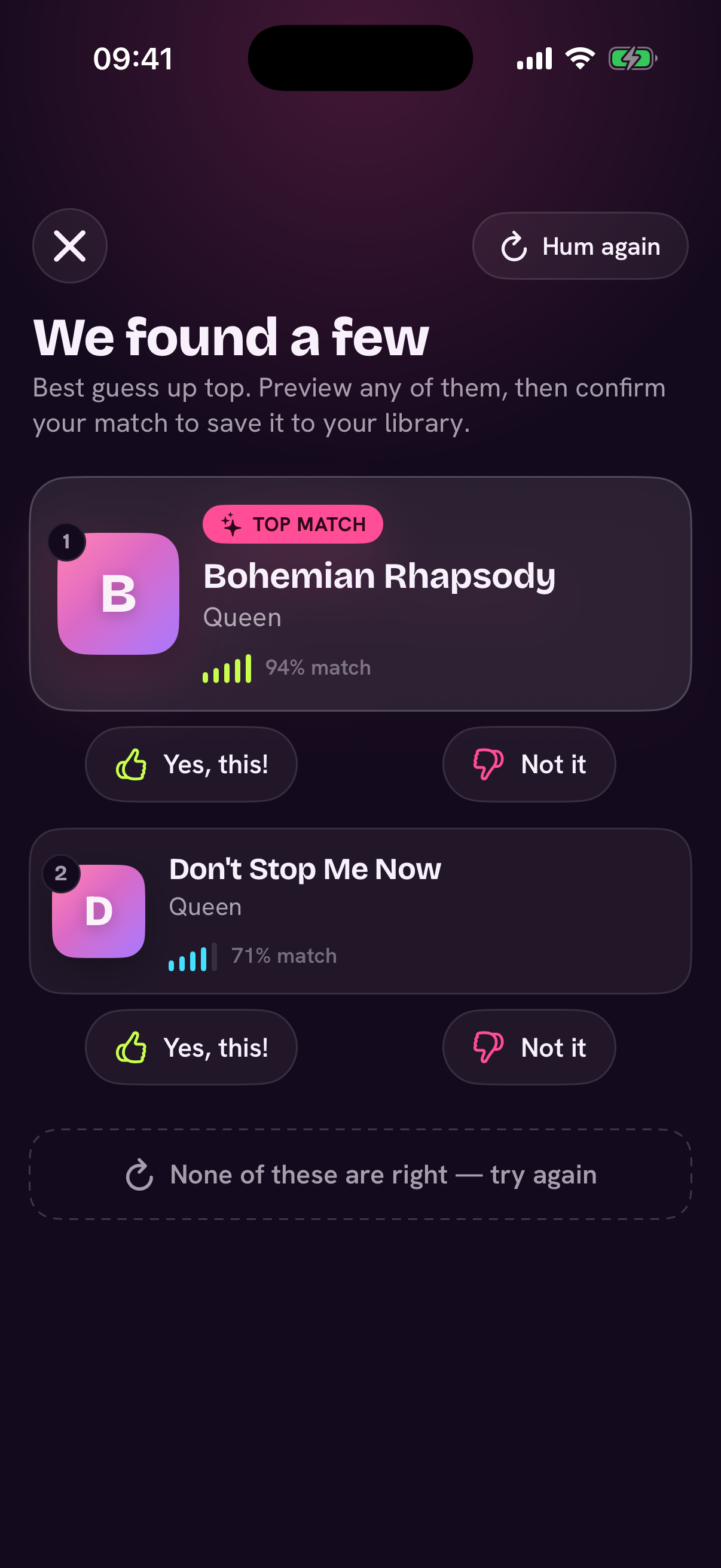
Surprisingly good. A clear hum of 5 to 10 seconds is usually enough, and it gets better the closer you are to the real melody.
To name your song, Earworm sends your short hum to its matching services and stores it with your account (so it shows up in your Library). Helping improve Earworm with your hums is optional: turn it on or off anytime in Settings. You can delete everything in Settings → Delete Account. See our Privacy Policy.
Yes. It's free while we're in TestFlight beta.
Not yet. It's in TestFlight beta today. Join the beta and help shape the public launch.
Both Apple Music and Spotify. Open the match in whichever you use.